Español
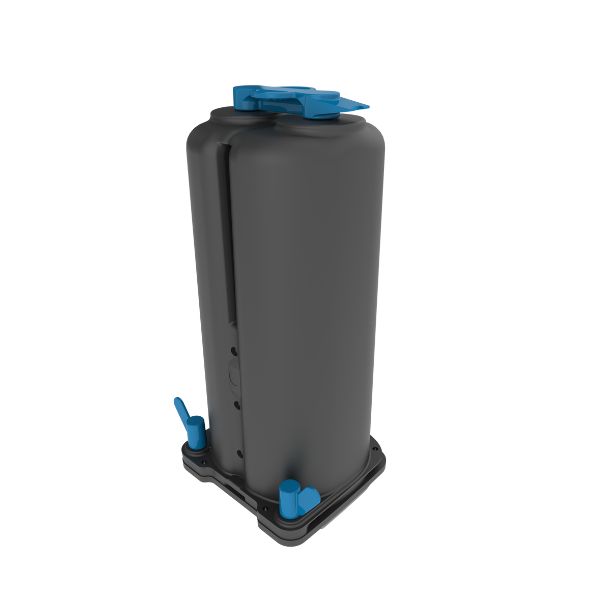


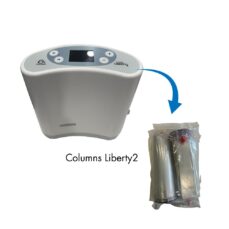
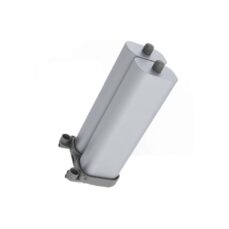
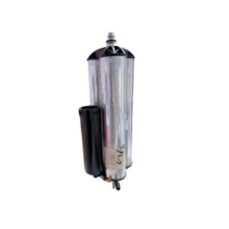
Inogen One® G5®/ Inogen® Rove 6 Replacement Column Pair

$118.00
-

- Compatibility: Designed for Inogen One® G5® and Inogen® Rove 6 models.
- Oxygen Quality: Ensures oxygen purity by effectively separating nitrogen.
- Easy Maintenance: Simple replacement you can do yourself without needing to send the device for repair.
- Durability: Recommended replacement every 6 to 12 months, depending on usage.
- Genuine Parts: Authentic Inogen columns for maximum safety and efficiency.
In stock
Inogen One G5 and Rove 6 Column Replacement
If you own an Inogen One G5 or Rove 6 portable oxygen concentrator, understanding the importance of regularly replacing your sieve beds is essential. These sieve beds play a crucial role in separating nitrogen from oxygen, ensuring you receive high-purity oxygen. Over time, sieve beds can become saturated and lose efficiency, which affects the performance of your device and may compromise your health.
To maintain optimal function of your Inogen One G5 or Rove 6, it’s recommended to replace the sieve beds every 6 to 12 months, depending on usage. Replacing them yourself saves time and money, as there is no need to send your device for repair.
When replacing sieve beds, it is important to use authentic Inogen replacement parts to preserve the quality and safety of your device. Self-replacement allows you to avoid repair fees, reduce downtime, and ensure your device is always ready when needed.
The Inogen One G5 and Rove 6, equipped with advanced technology and user-friendly designs, provide reliable, on-the-go oxygen therapy. By replacing your sieve beds on time, you help ensure your device delivers optimal performance.
Steps to Replace Sieve Beds in the Inogen One G5 and Rove 6:
- Prepare the Device:
- Turn off the device by pressing the power button.
- Remove the battery.
- Take the device out of its carrying case (if attached).
- Place the device on its side, with the metal column assembly visible.
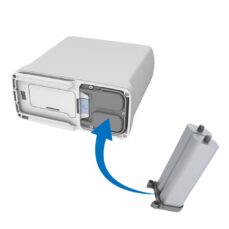
- Remove the Columns:
- Unlock the column assembly by pressing the latch button away from the columns.
- While holding the button open, slide the column assembly out using the pull handle. Both columns are removed as one piece.
- Install the New Columns:
- Remove the dust caps from the new column assembly, ensuring there’s no dust or debris on the ends.
- Insert the new column assembly immediately after removing the dust caps to avoid contamination.
- Push the column assembly fully into the device until the latch button returns to the closed position, securing the columns in place.
- Complete the Column Reset:
- Connect the AC power supply to the device and plug it into an outlet. Do not power on the concentrator.
- Press and hold the (+) and (-) buttons for 5 seconds until the screen displays “SIEVE RESET.”
- Release the buttons, then press the alert/bell button once. The screen will display “SIEVE RESET SUCCESS.”
- Press the power button to turn on the device, which is now ready for use.
If you are using the Inogen Connect App (only USA), you can also reset the columns by navigating to the Advanced screen, then to the Additional Information screen, and clicking on the Column Reset button.

Related products


-
-229x229.jpg)